
· ARUM Team · Installation
LED Strip Troubleshooting for Home Installations — Causes and Step-by-Step Fixes
Fix the most common LED strip problems at home — flickering, dimming, dark sections, and adhesive failure. Practical fixes any homeowner can do without an electrician.
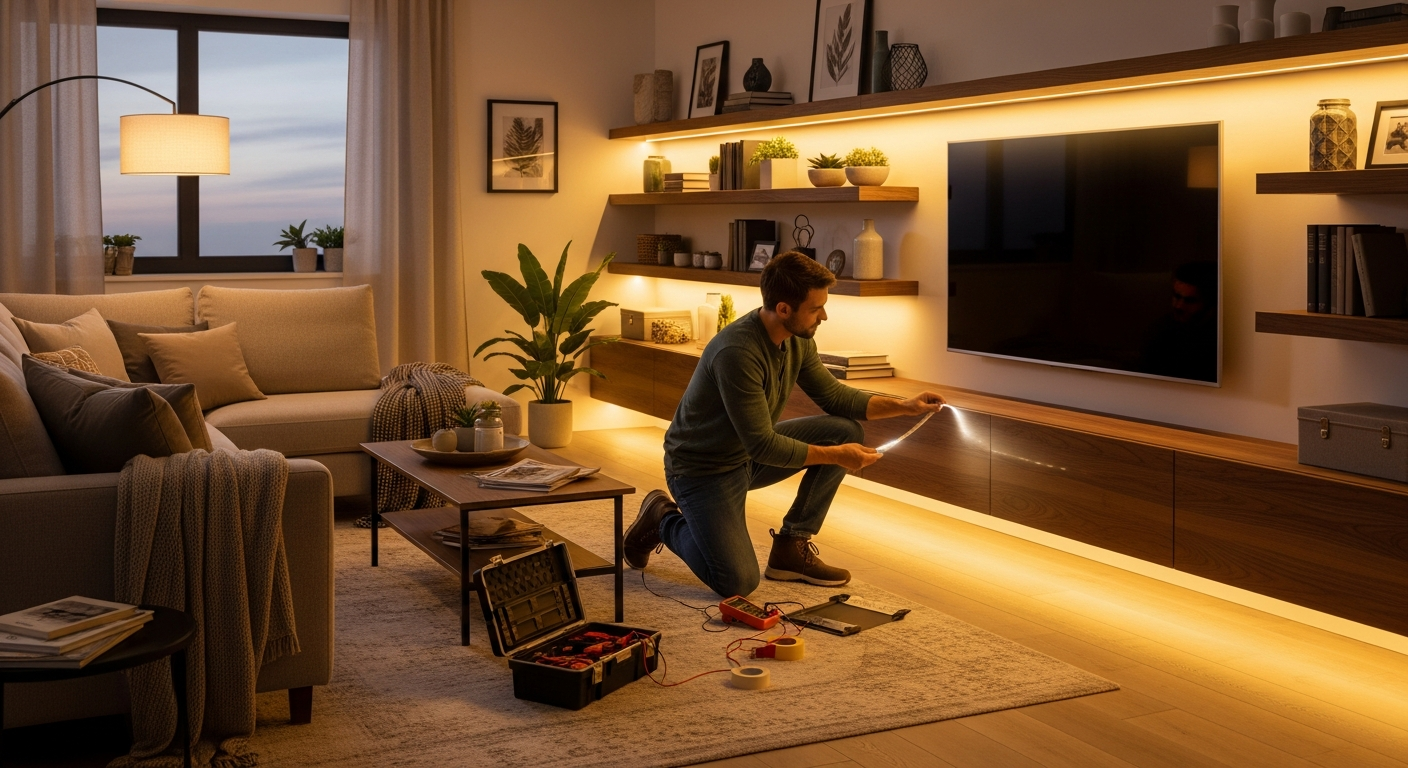
LED strips are one of the most energy-efficient and flexible ways to light a home. But they do occasionally develop problems — flickering, sections going dark, or color shifting. Before pulling them out and replacing everything, work through this diagnostic process. Most issues have straightforward root causes that any homeowner can fix.
Five Most Common Root Causes
1. Voltage mismatch Connecting a 24V strip to a 12V adapter (or vice versa) causes dim output, failure to light, or fast burnout. Always match strip voltage to power supply voltage — this is the single most common avoidable error.
2. Undersized power supply SMD5050 strips draw approximately 14.4W/m; COB strips draw 10–15W/m. A 10-meter run at 14.4W/m draws 144W total. Running this on a 60W PSU will overload the supply, causing heat, voltage instability, and eventual failure.
3. Wrong IP rating for the environment IP20 strips installed near kitchens, bathrooms, or balconies are exposed to moisture they were not designed for. Oxidation builds at the copper pads over 3–6 months, degrading electrical contact.
4. Adhesive backing failure The 3M tape behind the strip loses adhesion on dusty surfaces or freshly painted walls that haven’t fully cured. This isn’t a strip defect — it’s a surface preparation issue.
5. Undersized wire from PSU to strip Thin wire between the power supply and the strip causes significant voltage loss before the strip even receives power. For runs of more than 3 meters, use AWG 18 (1.0 mm²) wire.
Diagnostic Steps (Before Replacing Anything)
Step 1: Check labels on both strip and PSU Both must match on voltage (12V↔12V or 24V↔24V). The PSU wattage rating must exceed total strip wattage by at least 20%.
Step 2: Test the strip with a short direct feed Connect the PSU directly to a 30cm section of strip. If it lights normally, the strip is fine — the problem is in the wiring or connection points downstream.
Step 3: Observe the flicker pattern Fast, rhythmic flickering usually indicates a PSU overloaded below its rated capacity. Irregular, intermittent flickering usually indicates a loose connection.
Step 4: Check surface temperature Touch the strip (or aluminum channel, if installed) after 15 minutes of operation. If it’s too hot to hold, heat dissipation is inadequate or the strip is drawing beyond its rated wattage.
Step-by-Step Fixes
Fix 1: Correct the voltage and PSU sizing Recalculate: strip W/m × total meters = total wattage. Buy a PSU rated at 25% above this figure. If the strip draws 72W, use a 90W or larger PSU.
Fix 2: Upgrade the wiring Replace thin wire runs over 3 meters with AWG 18 (1.0 mm²) cable from PSU to strip. This eliminates voltage drop in the feed wire before it reaches the strip.
Fix 3: Add an aluminum channel If the strip isn’t already in an aluminum channel, install it in one. This single step extends strip lifespan from as little as 15,000 hours to the rated 30,000–50,000 hours by keeping junction temperature within spec. Aluminum channels cost approximately ฿60–120/m — a minimal investment relative to the strip cost.
Fix 4: Replace the strip if necessary If the strip is confirmed faulty (not the PSU or wiring), switch to a 24V system. 24V has half the voltage drop of 12V over the same run length, making it the better choice for any run over 3 meters.
Fix 5: Test for 30 minutes before finalizing After any repair, run the full system for 30 minutes. Verify temperature and light evenness before re-sealing any ceiling coves or covers.
Prevention Checklist
- Install strips in aluminum channels for all installations running more than 2 hours per day — heat management is not optional for COB strips
- Size your PSU at 125% of the actual load — a PSU running at 100% capacity runs hot and fails early
- Use 24V instead of 12V for any run over 3 meters — voltage drop is half, allowing longer clean runs
- Install a DC fuse or breaker between PSU and strip at 125% of the PSU’s rated output current
- Annual inspection — clean channel dust, check connector tightness, verify adhesive backing integrity
When to Replace Rather Than Repair
LED strips are rated for 25,000–50,000 hours. At 4 hours per day, that’s 17–34 years of theoretical lifespan. But replace when:
- Brightness has dropped more than 20% from original — a simple photo comparison from day of installation works
- Flickering persists after replacing the PSU
- Color has shifted (especially in RGB strips where individual colors stop responding)
- More than 10% of the total run length has permanent dark sections
- Adhesive backing has fully degraded and the strip cannot be remounted cleanly
Arumstores carries LED strips in multiple grades — budget and premium — along with aluminum channels, Meanwell PSUs, and complete system accessories.
Summary
The large majority of home LED strip problems trace back to three issues: voltage mismatch, undersized power supply, and missing aluminum channel for heat management. Diagnose methodically, fix the root cause, and size your components correctly from the start. Browse all LED strip products.